
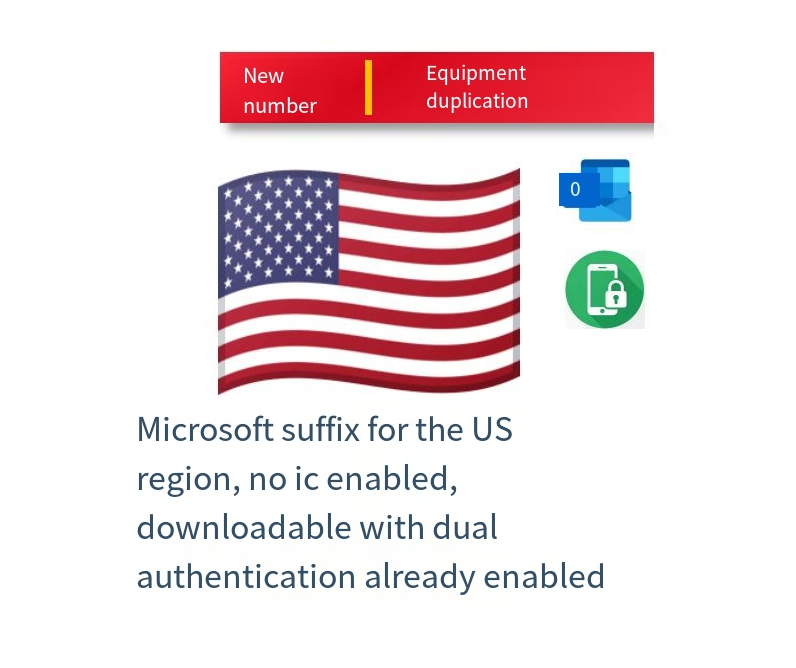
I. Account Information
ID Region: US
ID Suffix: Microsoft suffix, hotmail.com/outlook.com
Registration Time: 1-30 days
ID Status: Brand New, Unused
iCloud: Not Activated
App Store: Checked, App Downloadable
Delivery Format: Account—-Password—-SMS API
Free Replacement/Refund for Abnormal Accounts Within 24 Hours
Free Region Change Assistance Available
* Please Change Password Immediately After Purchase * Prohibited for Illegal Use * Prohibited for IM
Password Change Link: https://account.apple.com/
II. Login Tutorial
After logging in, you will be prompted to enter a verification code. Open the SMS API in your browser to receive the verification code and log in. You can also log in on the official website and replace the code with your own mobile phone number.
III. Account Explanation
Account SMS Type Explanation: 【Device SMS】
I. Device SMS Core Principle
After account creation, it will be continuously bound to a dedicated virtual device and remain logged in. When you initiate login using your account and password, the process is as follows: The virtual device will receive your login request in real time and automatically complete the “agree” operation; The verification code required for login will be sent synchronously to the preset receiving code link; You only need to open the receiving code API interface through your browser, extract the verification code, and enter it to complete the login.
II. Key Characteristics of Device Receiving Code Accounts
No Security Settings: This type of account has no security information configured; security relies on the account password and the bound device.
Mobile Number Binding Restrictions: Although the ID is bound to a mobile number, this mobile number is only used for initial verification and cannot receive SMS messages, calls, or other information; it has no actual usability.
III. Important Operation Reminders (Must Read)
If you need to change your account password, please note: After changing the password, the originally bound virtual device will no longer be able to receive verification codes, which may lead to subsequent login errors.
Suggested Procedure (For Individual Use Only)
First, access the official Apple account management page: https://account.apple.com/ On the website, complete the “Change Your Linked Phone Number” step (replace with your own valid personal phone number); After confirming the new phone number is successfully linked, then proceed with the password change to avoid future login issues.
Automatic card issuance
Card price6 CNY
Left: 6
Buy now
Comments0