
Shipping format: Mobile phone number + pickup address.
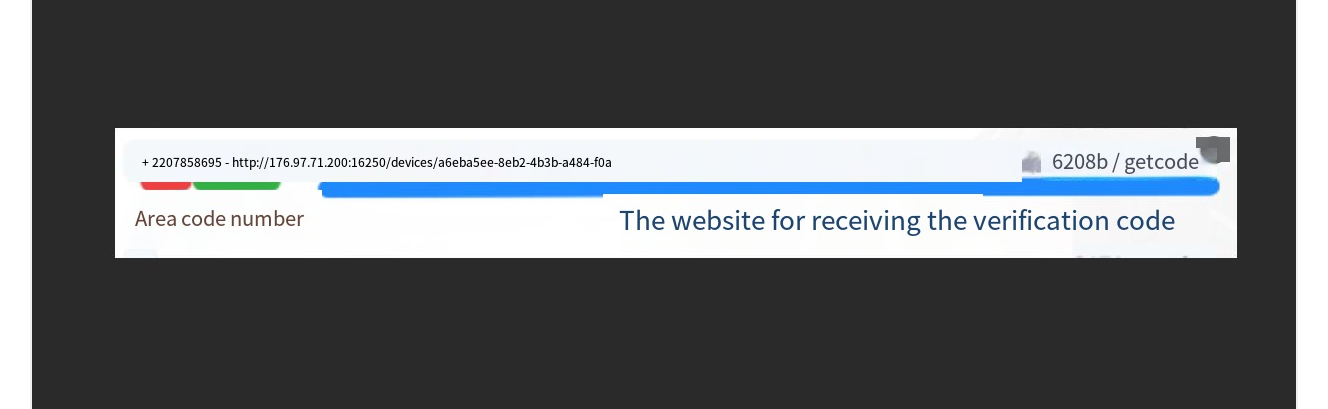
As shown in the picture
If you can’t receive the verification code on your phone, please download the “Nicegram app” to test if this version is working.
Download link: https://nicegram.app/
API login details: https://hstocks.org/category/account-usage-tutorial/telegram-api-login/
Telegram API Code Receiving Login Instructions:
1. Open the app or website and enter the number we provided.
2. Click the provided “View Verification Code” link to view the verification code.
Enter the [Verification Code] first. After entering the verification code, you will be asked to enter the [2FA Password]. That’s it.
The 2FA password is on the webpage sent to you, so be sure to check it.
Telegram API Code Receiving Notes:
1. Log in using the same login method and avoid switching frequently.
2. After logging in, avoid joining a large number of groups or private chats; proceed gradually.
3. After logging in on one device, avoid logging in on other devices for a short period of time. It’s best to use it normally for 4-7 days before logging in on other devices.
4: Disconnect all other online devices and change your secondary password.
TG Cross-Device will send a verification code to the device you’re already logged in on. You don’t need to receive a code at this point! Just keep one device online and you can continue using it!
After logging in, please keep at least one device online. Do not log out. Verification codes for subsequent logins will be sent to the currently logged-in device. Otherwise, you will not be able to access the verification code after logging out, and you will be responsible for any consequences.
Automatic card issuance
Card price15 CNY
Left: 3
Buy now
Comments0