

Logging out of your account and changing your password will change your token. Please do not log out of your account. If you need to log out, please clear your cache.
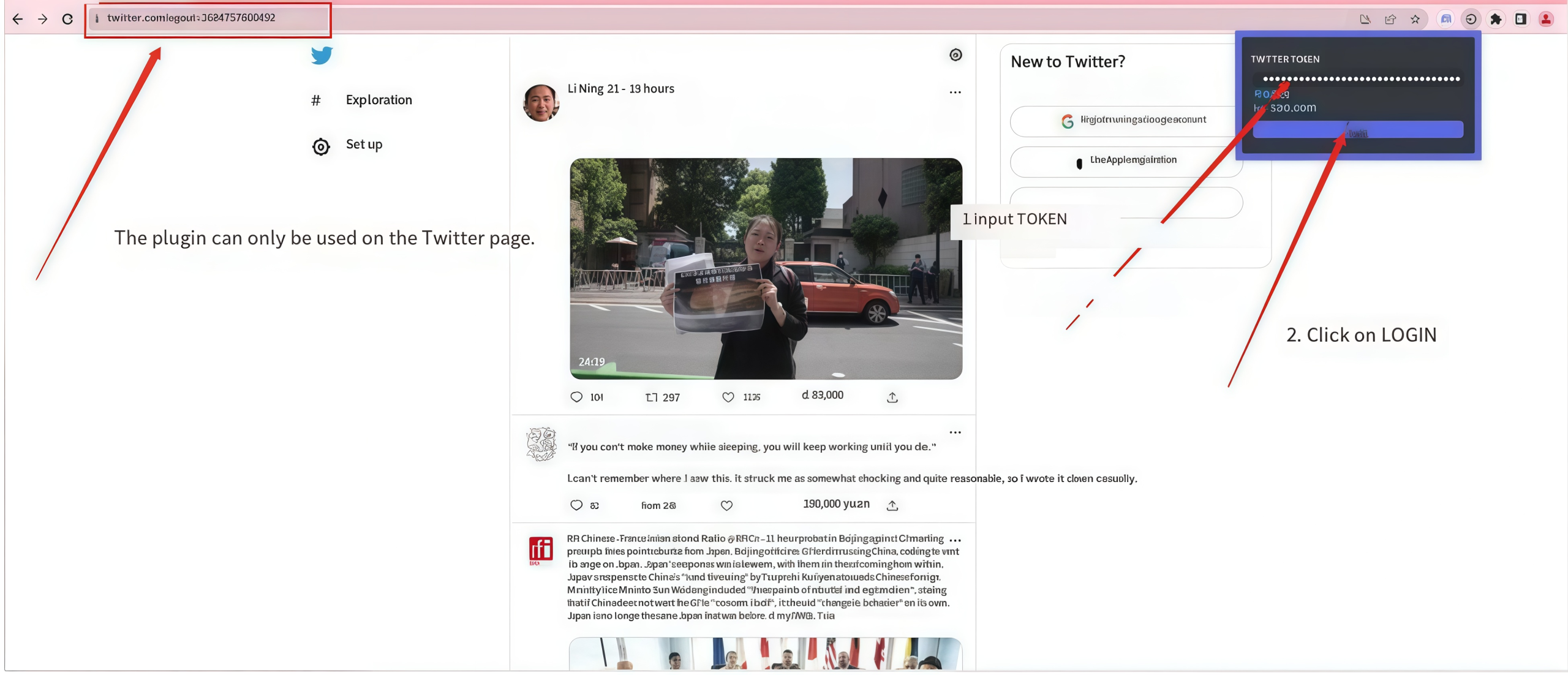
1. Download the plugin. The plugin has been approved by Google, so you can use it with confidence.
https://chromewebstore.google.com/detail/x-token-login/gceojnffehjfnkoifconnifeameehhad
https://chromewebstore.google.com/detail/x-token-login/lebmjgeajaflbnbggmpeibnpeonjlmgb
2. Open the Twitter website and use the plugin to log in by entering the auth_token.
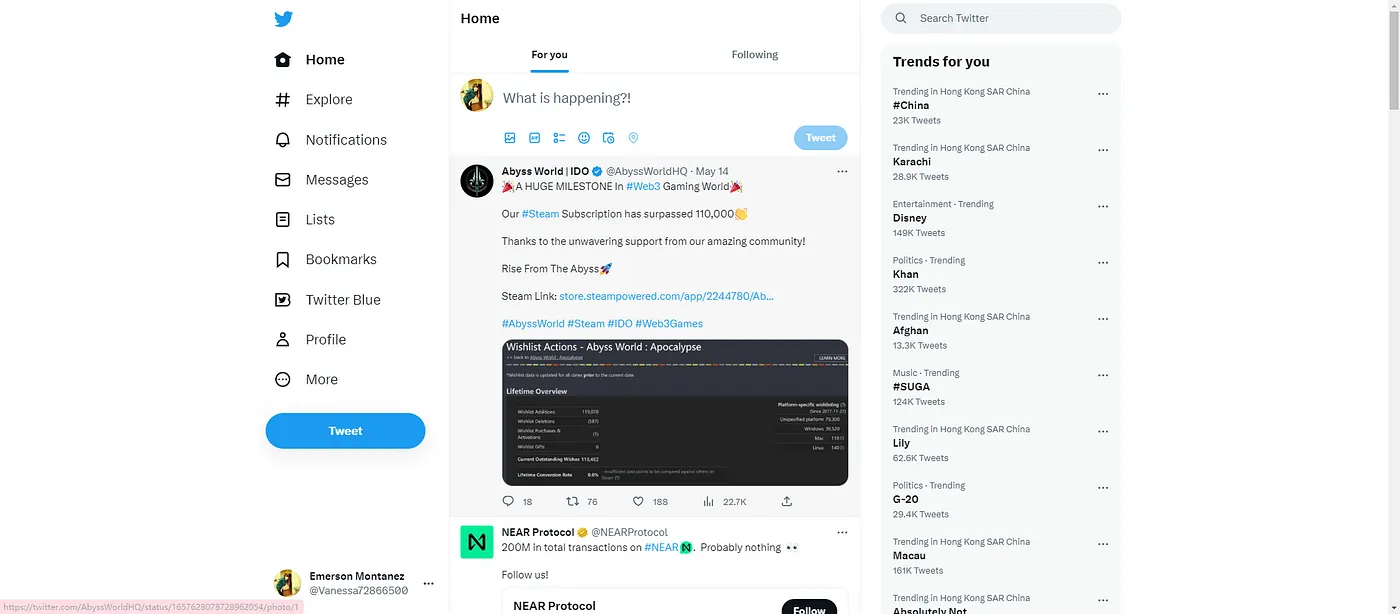
3. Redirect successful, login complete.
If the redirect fails, please clear your cache and repeat the tutorial. The cache clearing address is as follows:
chrome://settings/clearBrowserData
Comments0